Offline Grace Mode: Keeping Your App Working Without a Connection
Signed cache tokens, how many grace days to allow, and how the SDK uses them to keep paying customers running through a short disconnection.
Originally published on the PermitCore blog.
Your customer's laptop goes into airplane mode, their office firewall blocks outbound requests, or the license API has a rough five minutes. A paying customer should still be able to open your app and get on with their work. That's what offline grace mode is for: signed cache tokens that keep a licensed app running through short disconnections.
How it works
Every successful validate() or activate() call, PermitCore signs a small payload (license status, remaining activations, feature flags, expiry) with the tenant's own ECDSA P-256 private key and returns it alongside the normal response. The SDK caches that signed token locally. The next time the network is unreachable, the SDK checks the cached token's signature instead of failing outright.
That is very different from a plain {"isValid":true} file anyone can edit: a valid signature requires the tenant's private signing key. The private key stays on your side, never inside the customer app, and the app verifies tokens with the matching trusted public key.
Choosing the grace period
You set the number of offline grace days per license, in the same form you use to generate the key. The default is 21 days: long enough to cover a holiday or a slow IT department, short enough that a machine that stays offline for good eventually asks to reconnect.
- Set it to a shorter window if you want tighter periodic check-ins.
- Set it to
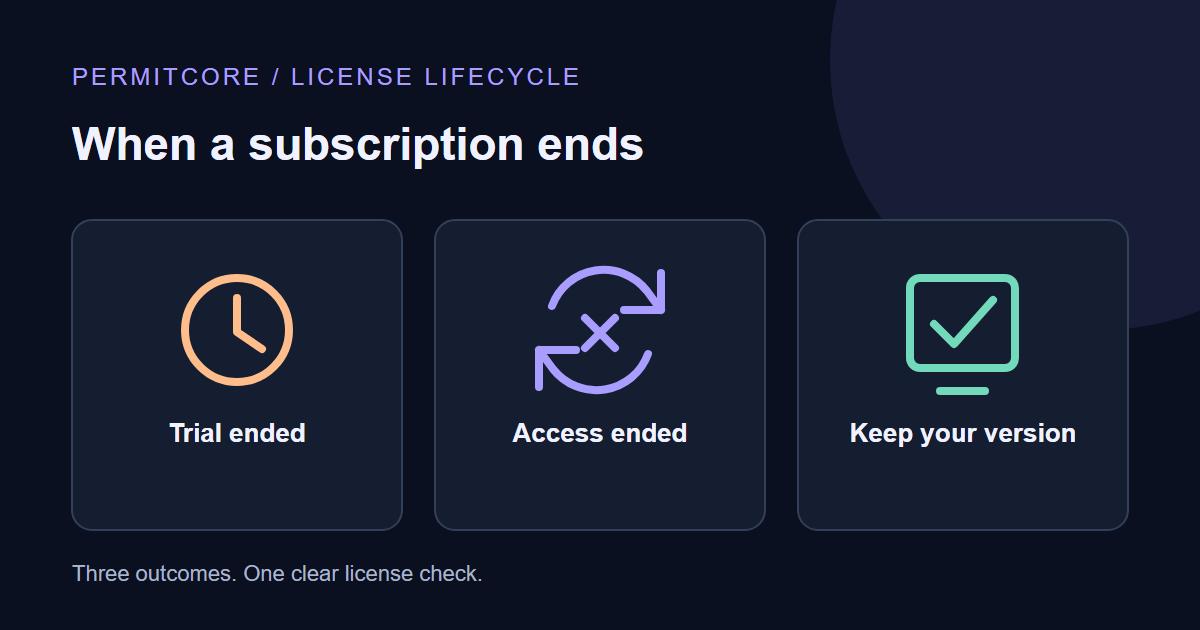
0to disable offline mode for a license, for example when your product phones home by design (metered billing). - For Store subscription licenses, the signed offline deadline is the earlier of your configured offline window and paid-through plus payment grace. Payment grace defaults to 14 days and can be set in Store settings or overridden per license. After a renewal, the next reconnect refreshes the token.
What the SDK does with it
// SDK 2.1.1. trustedTenantPublicKey is vendor-approved app configuration.
using var client = new PermitCoreClient(new PermitCoreOptions {
    BaseUrl = apiUrl,
    TrustedPublicKeys = new[] { trustedTenantPublicKey },
    CacheDirectory = appCacheDirectory,
    DeviceId = stableDeviceId
});
var result = await client.ValidateAsync(key, expectedProductId: productId);
if (!result.IsValid) { /* Ask the customer to reconnect or resolve the license problem. */ }
if (result.IsOffline) { /* Show the offline status to the customer. */ }
This logic already ships in all 8 official PermitCore SDKs (.NET, Node.js, Python, Java, C++, PHP, Go and Unity), so you only write signature verification yourself if you integrate over the raw REST API.
Make it a layered setup
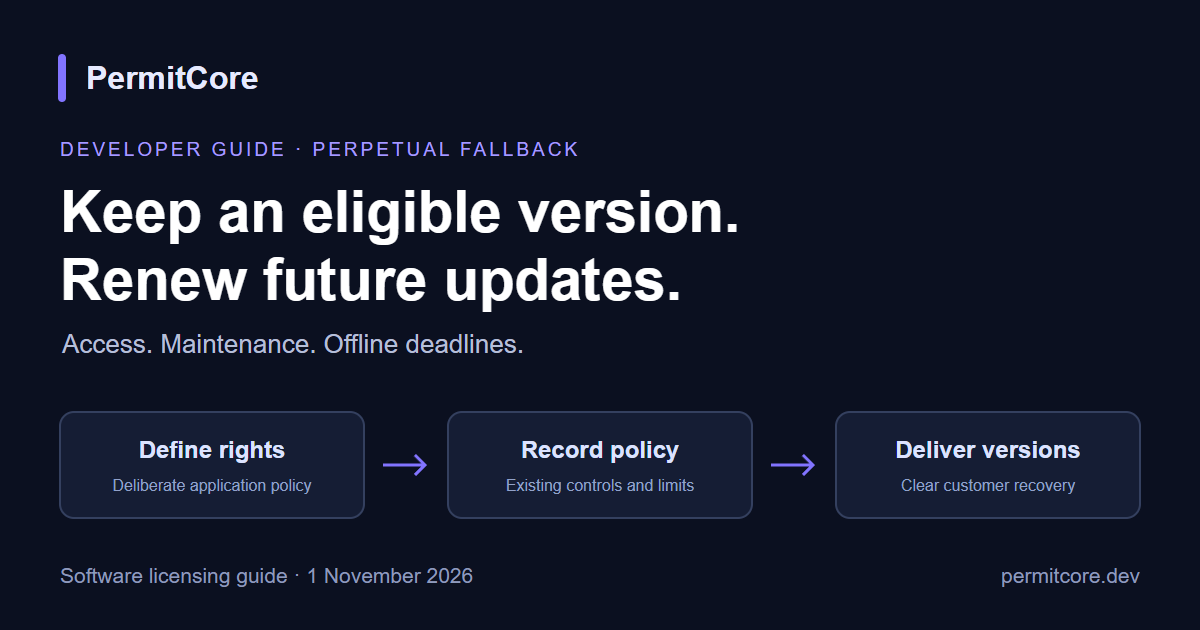
Offline grace is availability protection for honest customers. It works best next to the other license controls: keep the grace window sensible for your audience and combine it with a devices-per-license cap, so each key stays tied to the machines your customer actually owns. Server-side signals and the signed cache then back each other up.
Keep reading
- Offline grace sits inside a bigger picture of outage behaviour: What happens if a license server goes down
- Step-by-step offline setup: PermitCore offline licensing docs
- Floating licenses and offline checkouts are covered in Node-locked vs. floating licenses
PermitCore has a permanent Free plan, so you can try signed offline tokens end to end without a card. We're a young startup and still producing content; if you want a topic covered, reach us via Contact Us on permitcore.dev.
How long do you let your customers run offline before asking them to reconnect: days, weeks, or something tied to the plan? I'd love to hear what's worked for you. 🙂
About the author
- Software licensing with a built-in branded Store. https://permitcore.dev
Comments
Join the discussionNo comments yet. Be the first to comment.